P0420 Code on Fleet Vehicles: Diagnosis, Costs & Impact
TL;DR 4 key takeaways Definition: The P0420 code indicates that the catalyst on bank 1 of a vehicle is operating below the efficiency threshold,...

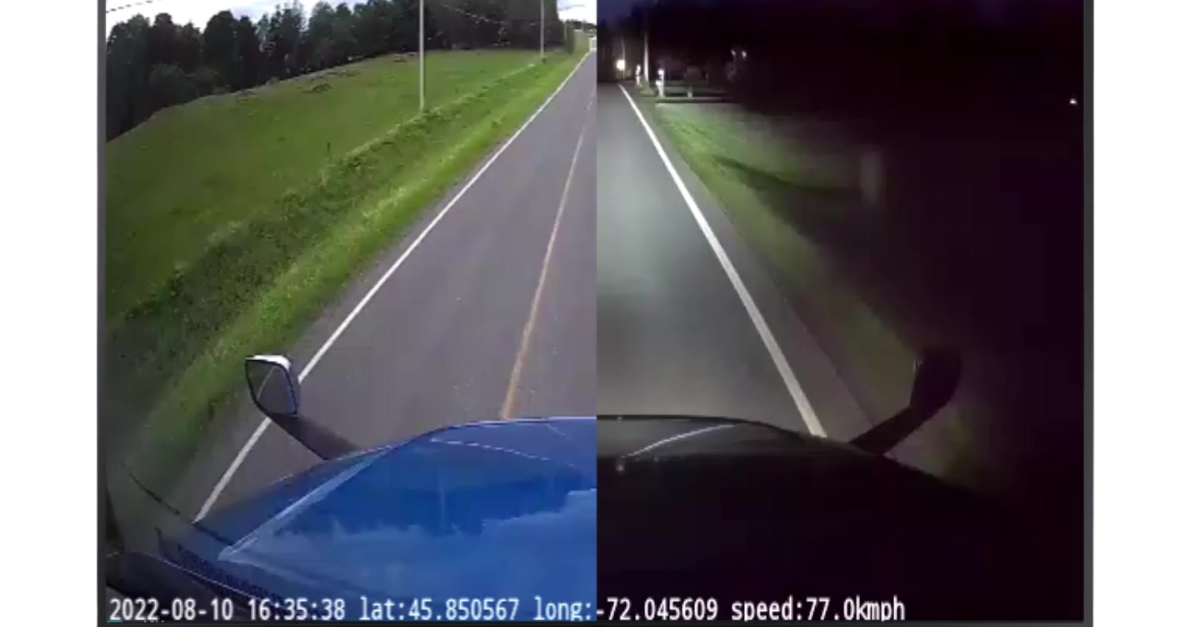
When a loaded truck is involved in a collision, the first question is rarely what happened. It is who can prove it. A truck dash camera answers that question in seconds, and in a commercial fleet it does much more: it shows managers how vehicles are driven, gives coaching material that drivers recognize, and documents deliveries that customers dispute.
This guide is written for fleet managers. It covers the camera types worth considering, the features that separate a fleet system from a consumer gadget, how to handle footage and driver privacy, and what a deployment across many trucks involves.
For a single driver, a dash cam is a witness. For a fleet of commercial vehicles, it becomes a source of data. Each dash cam records the road, sometimes the cab, and ties every clip to a time, a location and a vehicle. Managers no longer depend on memory or on the other party's account: they review the sequence and decide.
The value grows with volume. One clip settles one dispute, while a year of events across fifty vehicles shows which routes, hours and habits produce the risk. Fleet camera systems connect to telematics for that reason, instead of storing footage on a memory card that nobody checks.
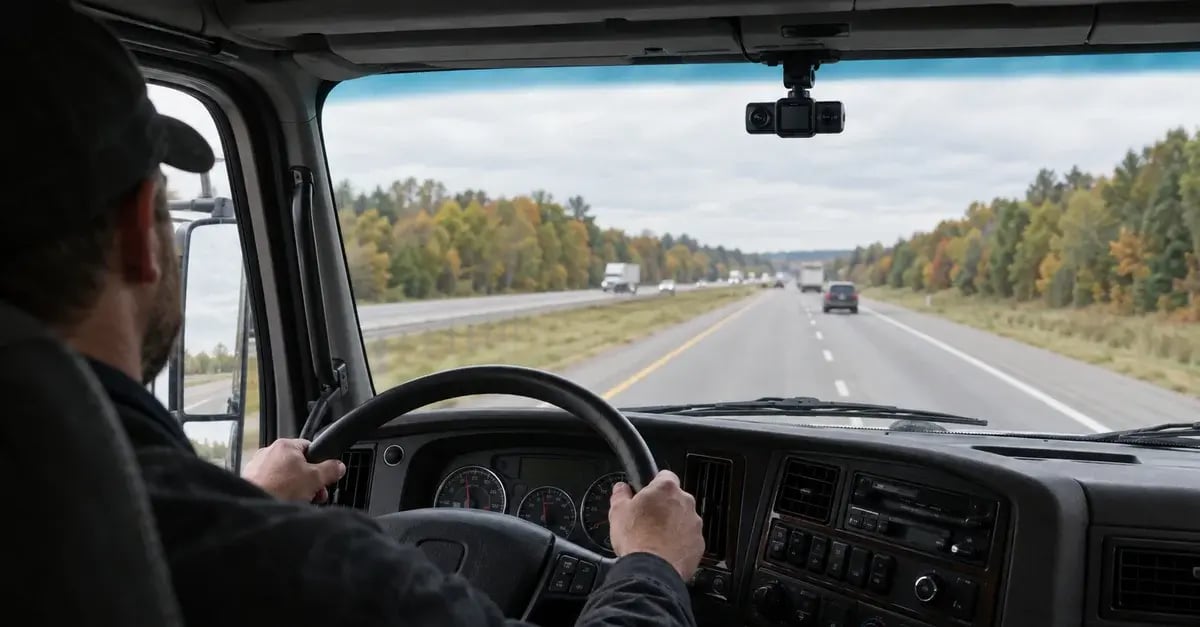
Dash cams for trucks come in four configurations. The right one depends on what you need to prove and on how drivers will receive the dash cam.
A road-facing dash cam mounts near the top of the windshield and films what happens ahead. It documents collisions, near misses and driving conditions without filming the driver. For many fleets it is the natural starting point, because it is also the easiest to introduce.
A driver-facing camera records the cab. It shows whether a driver was distracted or reacted correctly, which matters when an incident is contested. Because it films people at work, it needs a clear policy before installation. Our article on in-cab cameras for trucks covers this setup in detail.
A dual-facing unit combines both views in one device. One lens covers the road, the other the cab, and both clips line up on the same timeline. It gives the most complete context for an incident, with the privacy questions that come with any cab view.
Large trucks have blind spots that a single dash cam for trucks cannot see from the windshield. Cameras on the sides, front and rear cover lane changes, reversing and loading docks. They suit long vehicles, urban delivery and any operation where most damage happens at low speed, around the truck rather than in front of it.
A consumer dash cam records. Built for fleet work, a truck dash cam has to save the right moments, send them to the office and keep working through vibration, heat and cold. Four features make the difference.
Most fleet dash cams use loop recording: they film continuously and overwrite the oldest footage when storage is full. On top of that loop, sensors flag events such as harsh braking, a sharp turn or an impact, and the camera saves a video recording of the moments just before and after. So yes, a truck dash camera usually records the whole time a vehicle runs. Only the flagged events leave the vehicle for review.
A clip without context is hard to use. Linked to the vehicle's telematics, a truck dash camera system attaches GPS position, speed and time to each event and places it next to the rest of the vehicle data. Managers then review incidents in the same fleet management software they already use for tracking and maintenance.
AI models now recognize driving behaviors, not only impacts. Depending on the system, they detect tailgating, a rolled stop sign or a crash, and some cab-facing models also look for phone use or signs of fatigue. An in-cab alert lets the driver correct on the spot, and the event is saved for coaching.
Incidents do not wait for daylight. Every dashboard camera for trucks needs high-definition sensors with good low-light performance, so that plates and road markings stay readable at night, and a broad field of view reduces what the dash cam misses on either side of the truck. For heavy-duty use, also check the operating temperature range and how the mount handles constant vibration.
Fleet safety benefits show up in three places: after an incident, during coaching, and in front of customers.
Footage settles what statements cannot. If a truck is blamed for a collision it did not cause, the clip shows the sequence of events and protects the driver. It also shortens the exchange with insurers, who can work from video evidence rather than from conflicting accounts.
Coaching works better on a real situation than on a rule. A manager can show a driver the event itself, discuss what happened and recognize good reactions as well as mistakes. Presenting the dash cam as a coaching tool, rather than as surveillance, makes that conversation easier.
Delivery fleets use footage as proof that the truck was on site, that the load was handled with care, or that the driver waited. When a customer disputes a delivery, a short clip often ends the discussion. Long-haul, refrigerated and heavy-haul operations find their own uses, from documenting a difficult load to showing how cargo was secured.
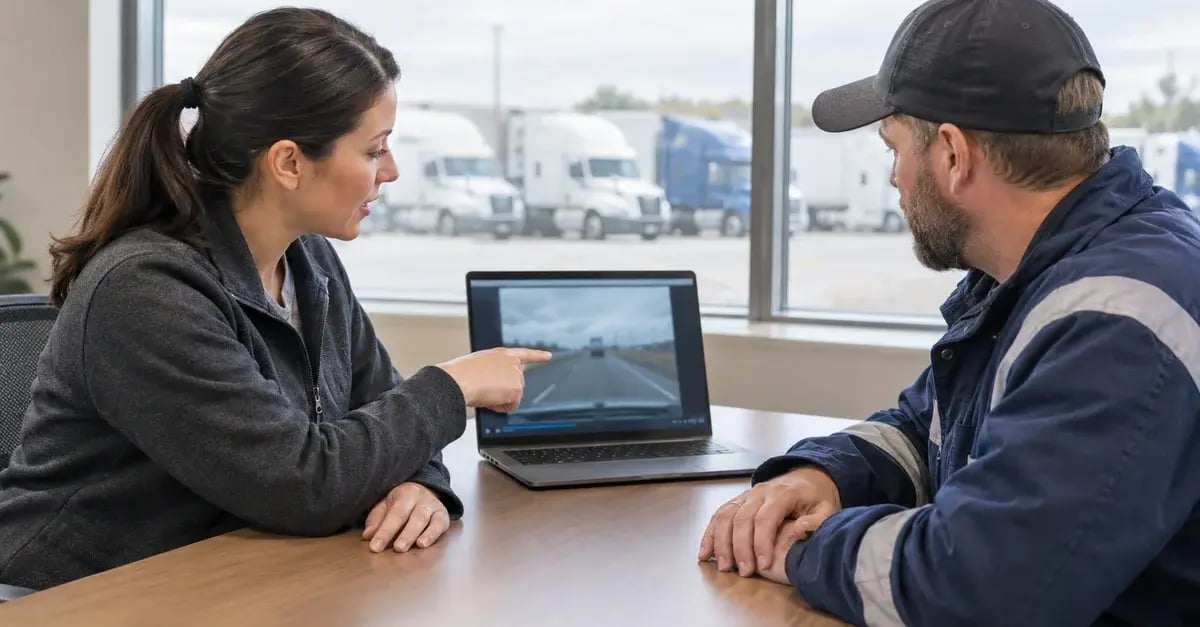
Dash cams create sensitive data, and managing it belongs to the deployment itself. Decide in advance how long footage is kept, who can view it and for what purpose. Tell drivers what is recorded and why, and limit access to the people who need it.
A written policy protects both sides. Drivers know the system serves safety and evidence, not minute-by-minute supervision, and managers can show that access to driver data is controlled. Before activating a cab camera, confirm the obligations that apply in your province with qualified advice. Our guide to fleet compliance in Canada covers the wider regulatory picture.
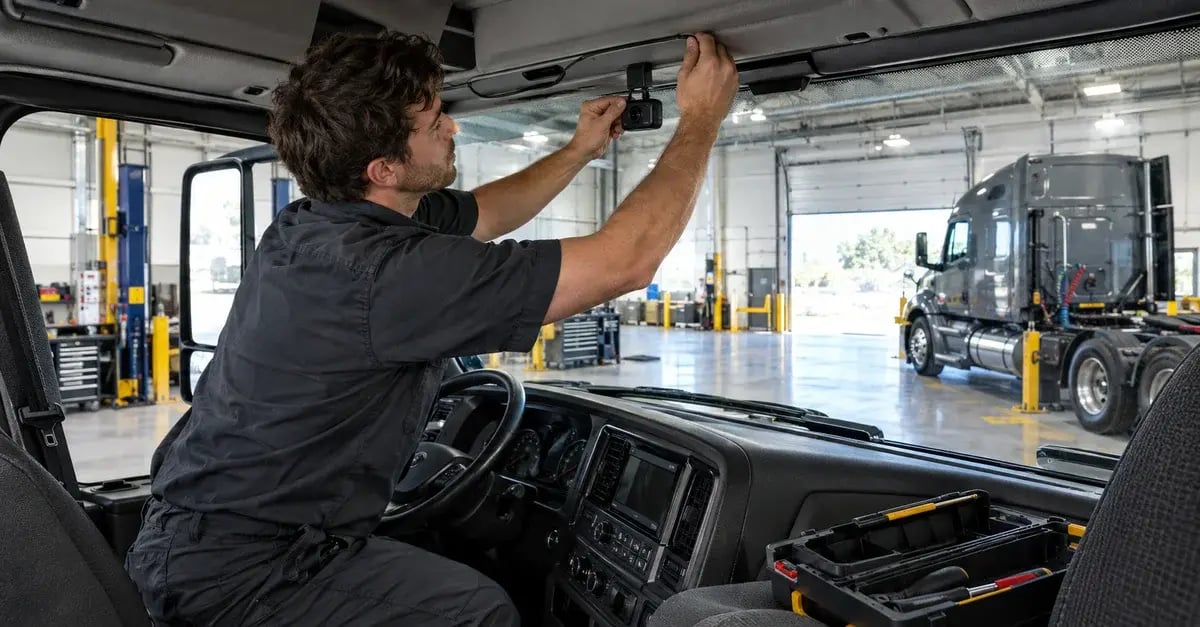
Installation is where many dash cam projects slow down. Mounted at the wrong angle, or wired so that it loses power, a truck dash cam captures nothing useful when it matters. Across dozens of trucks, the work multiplies: each vehicle type needs its own mounting plan, and each driver needs to know how the system behaves.
A typical deployment follows four steps:
1. Audit the fleet: vehicle types, routes and the incidents you want to document.
2. Choose the configuration for each vehicle, from a single windshield camera to a full truck dash camera system.
3. Install and program the cameras, then test each unit before it goes back on the road.
4. Train managers to review events, and walk drivers through the recording rules.
At AttriX, installation, programming and basic training are handled by our team. Talk with an AttriX specialist to plan a deployment that fits your vehicles.
Buyers often start by asking which camera is best for a truck. The useful answer depends less on the brand than on how the system fits the operation. Compare each dash cam for trucks on five points:
A dashboard camera for trucks that scores well on all five can still fail if drivers reject it. Plan the rollout and the communication together, and start with the vehicles where incidents cost the most.
The GoSight onboard camera is the camera AttriX developed for heavy vehicles. Its AI detects tailgating, disregarded stop signs, sharp braking, tight turns and accidents, and it saves a contextual sequence covering the seconds before and after each event. Managers choose the rules to record in MyGeotab, retrieve event videos and review them alongside their Geotab data.
GoSight records in high definition by day and at night and connects over 4G. An accessory camera and a panic button are available as options, depending on your configuration. As the #1 Geotab integrator in Canada, AttriX installs the cameras, sets up the recording rules with you and trains your team. Speak with a specialist to see GoSight on your own vehicles.
Three practical questions come up once cameras are installed on a fleet, about parked vehicles, camera choice and coverage on remote routes.
Many commercial dash cams offer a parking mode that wakes the device when it detects motion or an impact, even with the engine off. Whether it works depends on the model and its power supply, so check both before relying on it for yard security or overnight stops.
Not always. Two lenses give more context, because they show the driver's reaction as well as the road ahead. Road-facing units still document most collisions and raise fewer privacy questions. A common approach is to start there and add cab views where incident history justifies them.
No. The dash cam stores video locally whether or not it has a signal. The cellular connection is what sends events and live views to the office. On routes with poor coverage, footage stays on the device and uploads once the truck is back in range, so remote operations keep their records.
A truck dash camera pays off when it is chosen for each vehicle, connected to your fleet data and introduced with a clear policy. Request a demonstration to see how it would work on your trucks.
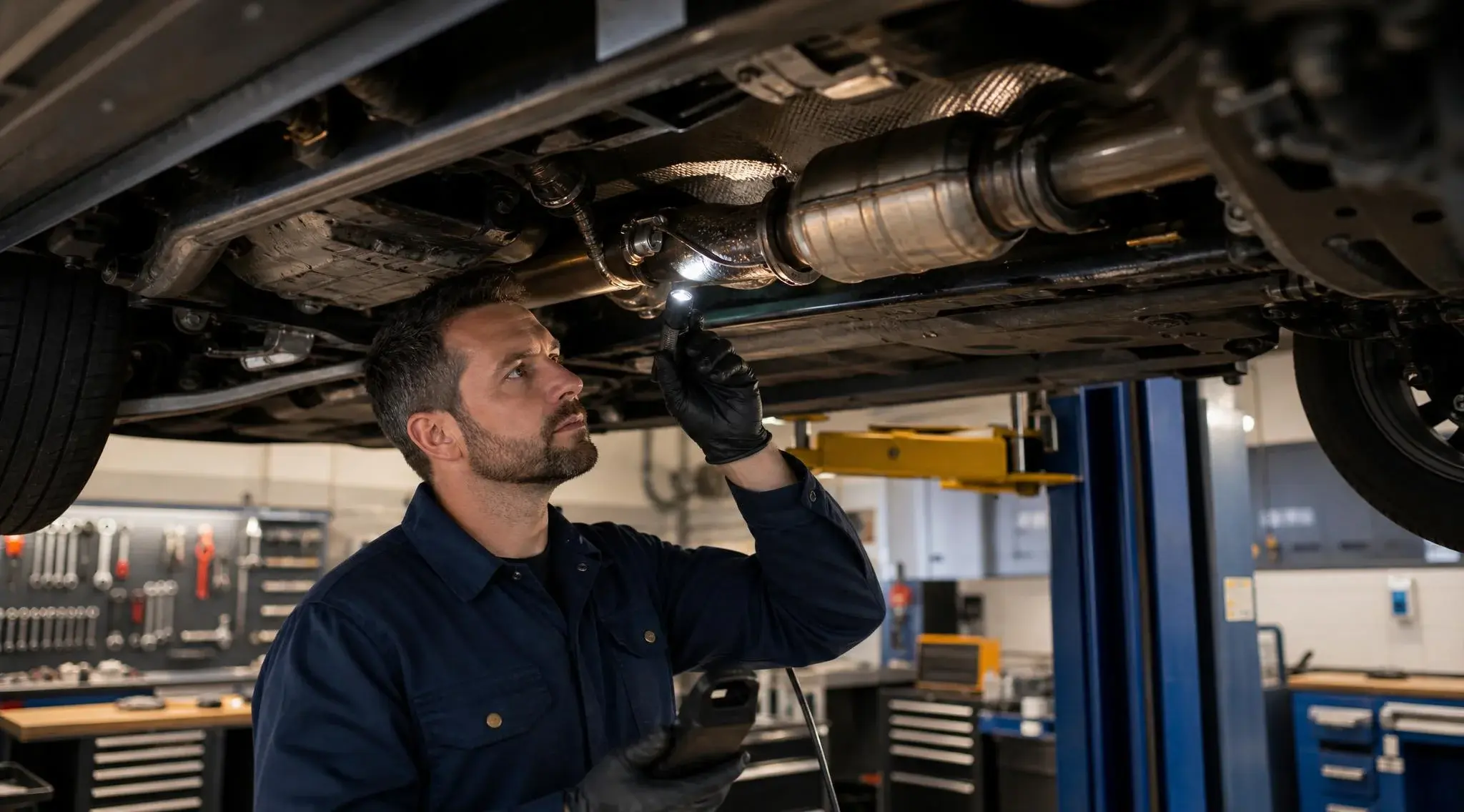
TL;DR 4 key takeaways Definition: The P0420 code indicates that the catalyst on bank 1 of a vehicle is operating below the efficiency threshold,...
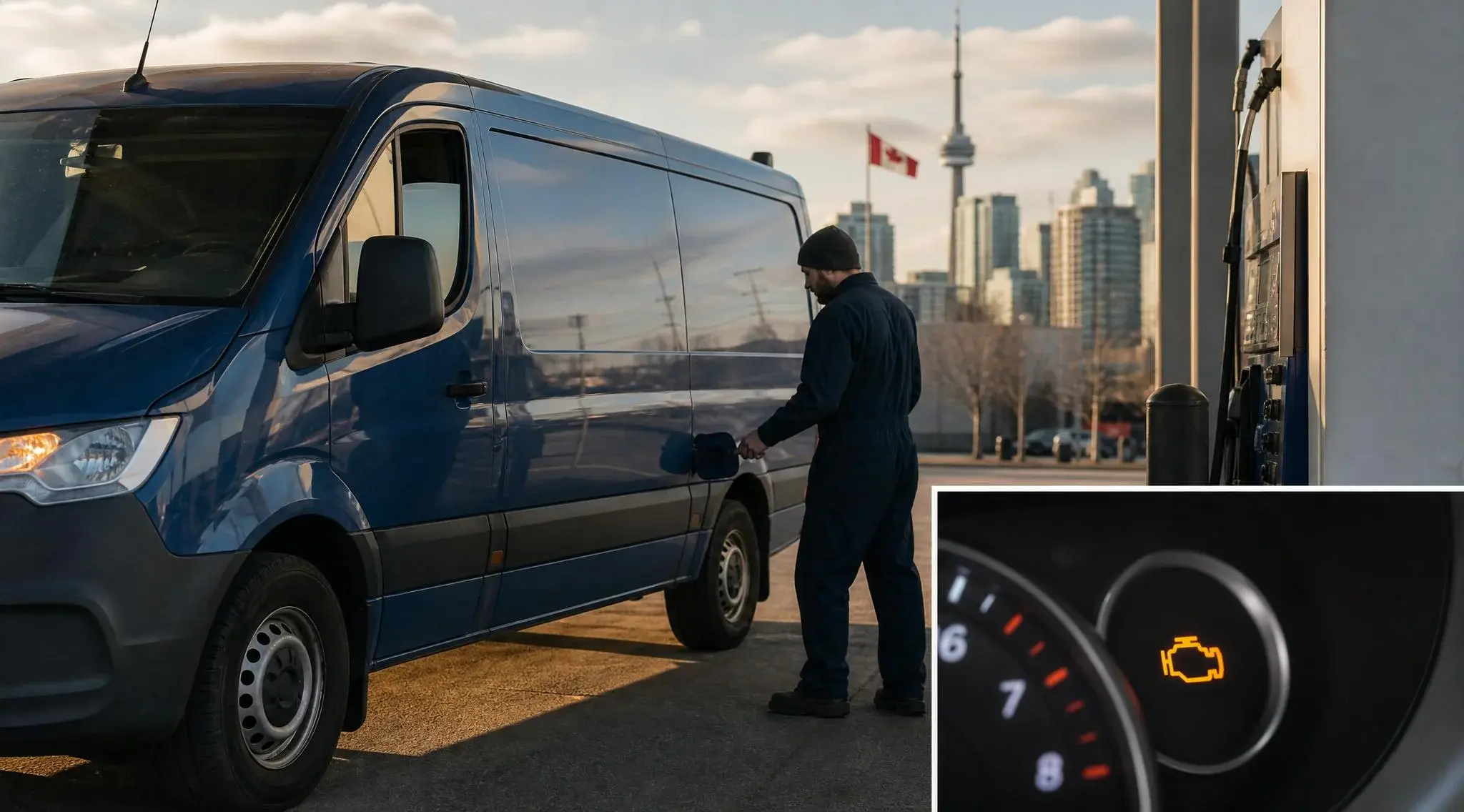
TL;DR 4 key takeaways Definition: The P0455 indicates a large leak in the EVAP system, detected by the onboard OBD2. Fleet impact: Moderate in the...
.jpg)
 Anthony Mainville: Apr 29, 2026, 1:08:24 PM
AI agent platforms, the co-pilot model, and why technology should serve your people GOOGLE CLOUD NEXT 2026 RECAP , FLEET INTELLIGENCE SERIES PART 3...