P0420 Code on Fleet Vehicles: Diagnosis, Costs & Impact
TL;DR 4 key takeaways Definition: The P0420 code indicates that the catalyst on bank 1 of a vehicle is operating below the efficiency threshold,...

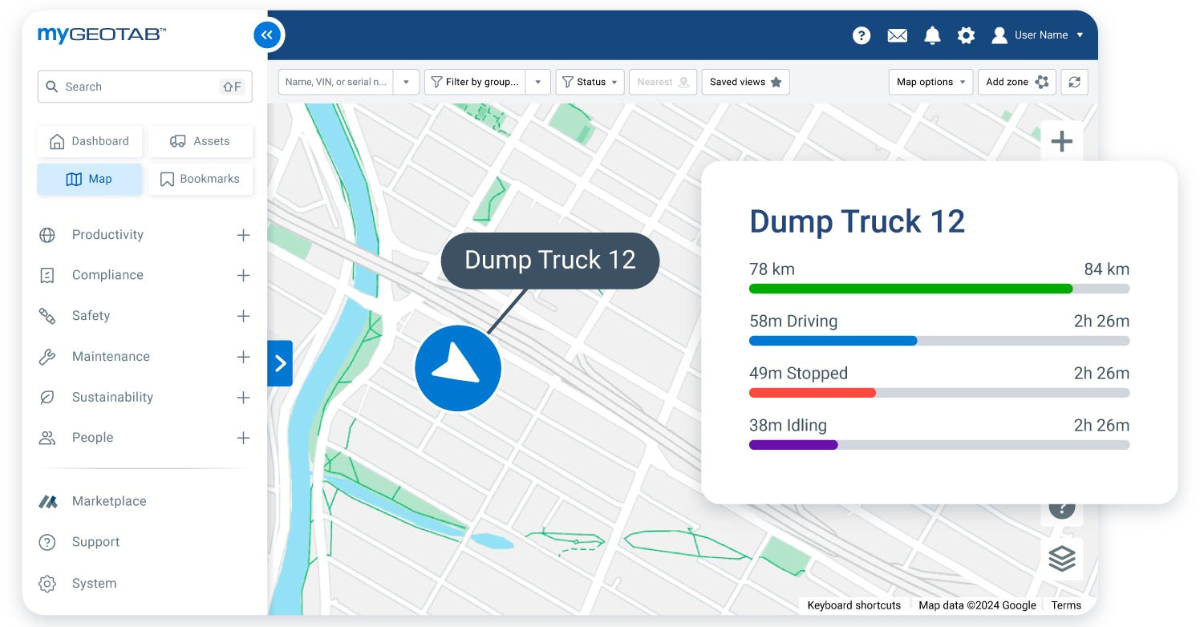
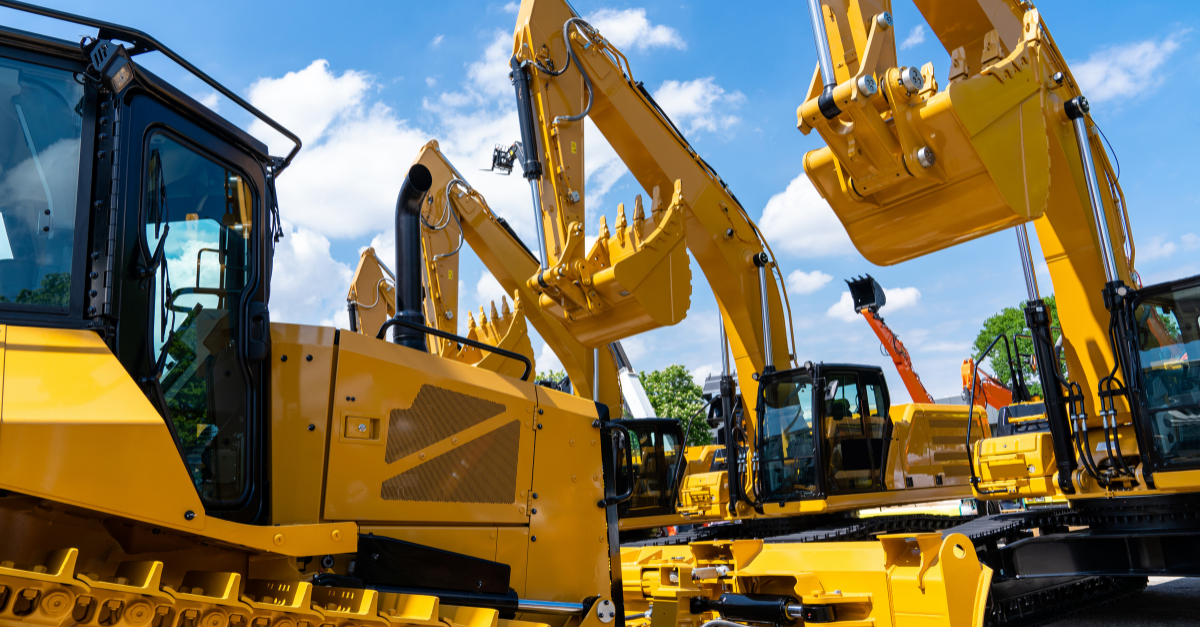
Half of a construction fleet does not drive, and that single fact makes it harder to track than a trucking fleet. Excavators, generators, compactors and trailers arrive on a lowbed, then disappear from view the moment they are unloaded on the job.
The blind spot costs twice. Equipment sits where it is no longer needed while another crew rents the same machine, and when a unit goes missing nobody can say when it was last seen. Neither loss appears as a line item, so both survive the budget review.
A contractor's fleet is mixed by nature: highway vehicles that move the iron, service vehicles that carry the crews, and the machines themselves. This guide covers what to track, how to measure utilization across projects, what it costs to leave that unmeasured, and how to evaluate the software before you commit. It is written for contractors already running that mix.
Construction fleet management is the oversight of every powered and non-powered asset a contractor operates: trucks, heavy machinery, trailers, generators and site equipment. It covers location, utilization, maintenance, operator performance and regulatory compliance. It differs from standard fleet management because a large share of those assets never travel on a public road.
That difference decides which tools fit. Software built for highway trucks reports distance and driving behaviour, and those numbers stay useful for the vehicles that haul the iron. They say nothing about the iron itself. What a contractor needs alongside them is engine hours and idle time, because a machine that never leaves a yard still wears out and still burns fuel. Our guide to commercial fleet management covers the on-road side of the same discipline.
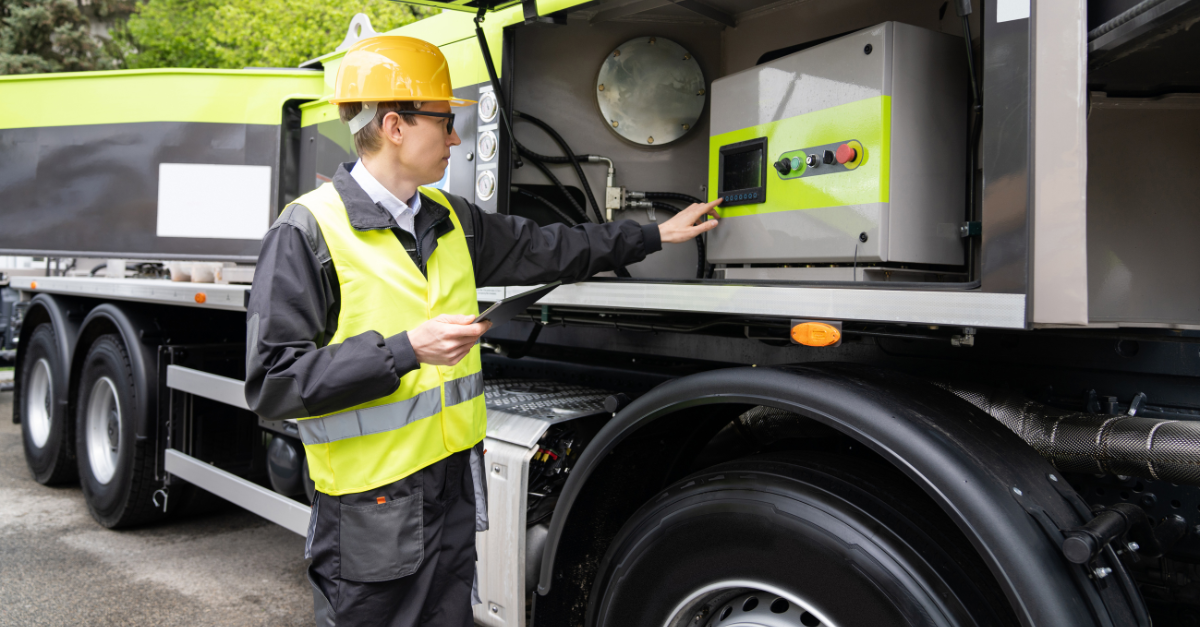
Construction fleet tracking means covering two populations with one system. Fleet vehicles and powered machines report through their own diagnostics. The rest stays silent unless something has been attached to it, which is what asset tracking is for.
Any vehicle or machine with an engine is read through its diagnostic port, which also returns fault codes and running hours. Trailers, containers, compactors and towable equipment need a battery-powered tracker, sized for the length of time they sit without power.
Battery life is the specification to check first. A tracker that dies mid-season stops reporting, which on a screen looks identical to a unit that has not moved. Our equipment tracking service puts both populations on one platform. GPS tracking alone is not the point. A geofence drawn around each active location turns positions into a record of presence: arrival, hours on site, departures outside working hours. That is where real-time visibility stops being a demonstration feature and starts settling arguments.
A loader has no route to optimize. It has a working day, and heavy equipment fleet management asks how much of that day it worked, while vehicle tracking would ask where the vehicle went.
Diagnostics are the second difference, and they favour the machines. A heavy unit generates far more diagnostics than a service van, and that becomes an advantage once someone reads them in real time. Fault codes seen the day they appear move a repair from the shoulder of a road to a planned shop slot, which protects both the machine and the schedule. Newer models carry a third source. Manufacturers publish equipment data through ISO 15143-3, still called AEMP 2.0 in the industry. Software that ingests it needs no second device on iron that already reports.
Three measures carry the work here, and distance is not one of them. Fleet managers who have run a road fleet recognize none of them at first.
- Engine hours against calendar days on site, which separates a machine that works from one that waits
- Idle time as a share of those hours, which shows fuel burned without production
- Days present without any engine activity, which identifies equipment to redeploy or return
Contractors measuring these three for the first time usually find the same thing: the problem is distribution between sites, not total capacity. Redeployment then becomes a judgment call rather than a guess, and seasonal rental renewals stop being automatic once the working days of a unit are visible.
Cost follows the same three numbers. A machine that waits still carries its financing, its insurance and its depreciation. A rental signed because nobody could see the idle unit two projects away is paid a second time. Fuel consumption behaves the same way: it is charged to the job whether the engine produced anything or not. One limit is worth naming, though: engine hours measure presence, not output, since a machine idling counts the same hour as a machine digging.
Comparisons of construction fleet management software stall on feature lists, because suppliers in this market publish the same features and every one of them promises real-time visibility. What separates the fleet management tools only shows up after deployment, and six questions asked before you sign bring most of it forward.
| Criterion | What to ask the supplier | What a weak answer reveals |
|---|---|---|
| Asset coverage | Do you track non-powered equipment, and with what battery life? | A system limited to vehicles covers a fraction of a construction fleet |
| Utilization reporting | Can you report engine hours and idle time by unit and by job? | Location history alone cannot produce utilization |
| Geofencing by location | Can my team create and retire geofences as jobs open and close? | A support ticket per location makes the feature unusable at scale |
| OEM data | Do you ingest ISO 15143-3 feeds from machine manufacturers? | Without it, recent machines need a second device to say what they already report |
| Data ownership | Can I export my full history, and in what format? | An answer given after you have signed is not an answer |
| Local support | Who installs on site, who trains my operators, in what time zone? | Remote support on a machine that is off the road is expensive support |
Durability and support are settled by a pilot rather than by a conversation, since dust and vibration on a job site exceed what a highway device is built for. Whatever a supplier calls its product, one distinction outweighs the rest: whether the data comes from the machine or from manual entry. Tools built on the second kind report what someone remembered to type, and the record thins out exactly when the work peaks.
The category itself is wide. Some tools are fleet maintenance schedulers with a map attached; others are full telematics platforms carrying vehicle diagnostics, work orders, safety compliance records and cost reporting. What a contractor buys with the second kind is less a map than a service. It covers the integration work, the installation, and the training that decides whether anyone still opens the fleet management system six months later.
Talk with an AttriX specialist to compare options for your equipment mix.
Operator data serves two safety purposes that are easy to confuse. Coaching improves how a vehicle or a machine is used. Incident reconstruction establishes what happened when something goes wrong, and the two need different levels of detail.
Feedback works on a short cycle and one behaviour at a time. A ranking published at month end lands too late to attach to anything the driver or the operator remembers. GoSight onboard cameras supply the visual record behind both uses, and they are specified per fleet. Safety here also carries a component road fleets do not: the machine works among people on foot, at walking speed and within a few metres of a crew. Road safety still applies to the fleet vehicles that move the equipment, so construction fleets end up running two safety compliance programs rather than one.
Construction fleet telematics feeds four outputs from one device: fuel cost, engine diagnostics, maintenance triggers and compliance records. Telematics on a mixed fleet has to serve both halves: the vehicles on the road and the machines that never reach one.
Fuel here is an idle problem rather than a driving problem, and the measure that reveals it is idle share of running hours, not litres per hundred kilometres. Diagnostics turn the rest into action. A fault code raised on site reaches the shop before the driver finishes the shift, and the same feed documents the safety checks an inspector will ask about.
Fleet maintenance triggers draw on the same feed, and intervals set on measured usage place shop visits where the wear has accumulated, as detailed in our guide to fleet preventive maintenance. Work orders raised from a fault code rather than from a calendar are the practical output. Compliance records follow, since maintenance history and inspection reports are what an auditor asks for first. Two layers apply. Fleet vehicles fall under commercial vehicle obligations, covered in our guide to fleet compliance in Canada. The equipment itself falls under the health and safety rules of the job.
Among the segments our team works in daily, construction and vocational fleets are among the largest. AttriX holds the title of number one Geotab integrator in Canada. Our help starts where the software stops. We connect your machines and vehicles to the Geotab platform, choose the Geotab devices that suit each class of unit, and read the diagnostics they return before training the people who will.
- Asset tracking that covers fleet vehicles, powered machines and non-powered equipment on one platform, in real time
- Utilization and idle reporting by unit and by project through Lighthouse business intelligence
- Vehicle and machine diagnostics feeding maintenance scheduling rather than a spreadsheet, with real-time alerts on the codes that matter
- Safety coaching and incident review built on the same record, so one program covers the road and the job
- Installation in the field, with training for supervisors and operators by certified trainers, and support from a team in your own time zone
Lighthouse and GoSight are specified per operation, so the tools a fleet ends up with depend on its equipment mix and its budget. A specialist establishes that scope before anything is quoted.
Speak with a specialist about your equipment mix and your sites.
- Construction equipment fleet management covers assets that never reach a public road, which is why engine hours replace distance as the working measure
- The blind spot is on equipment without an engine, and closing it needs a tracker sized to how long the asset sits unpowered
- Utilization rests on three measures: engine hours against days on the job, idle share, and days without engine activity, and redeployment between projects usually saves more than fuel does
- Platforms converge on features and diverge on asset coverage, geofence administration, OEM data, data export and local support
It is a platform that consolidates real-time location, vehicle diagnostics, fleet maintenance schedules, driver and operator records, and compliance documents for a contractor's fleet vehicles and equipment. The tools range from maintenance schedulers with a map to full telematics platforms sold with an integration service. What separates them is whether the data comes from the machine or from manual entry.
Assess capability rather than brand. Construction fleet tracking produces utilization under three conditions. The software returns running hours and idle time by unit and by project, it covers non-powered equipment, and it lets your team manage geofences as work moves. GPS tracking history alone will not yield those metrics, whatever the supplier's market position.
Run a pilot on one site, with a mix of powered and non-powered equipment, for at least one full billing cycle. Check three things at the end: could you produce a utilization report by unit, did the battery trackers last as long as promised, and could you export the data. Demonstrations rarely reveal any of the three.
With a battery-powered tracker sized to the time the unit sits without power. Trailers, containers, compactors and towable equipment fall into this category, and each needs a device chosen for how long it has to track without a charge. Battery life is the first specification to check, because a tracker that dies mid-season leaves the blind spot it was bought to close.
The proportion of assets that never travel on public roads, and the measures that follow from it. Standard fleet management reports distance and driving behaviour. Construction equipment fleet management works in engine hours and idle time, because a machine that stays on one site still wears out and still burns fuel.
The order matters more than the tooling. Locate the assets, measure how much they work, then price what they cost. Starting at the third question produces figures nobody defends when a project manager pushes back.
Begin with the equipment that does not drive. On most fleets, that is where the unused capacity sits.
Request a demonstration on one of your active sites.
TL;DR 4 key takeaways Definition: The P0420 code indicates that the catalyst on bank 1 of a vehicle is operating below the efficiency threshold,...
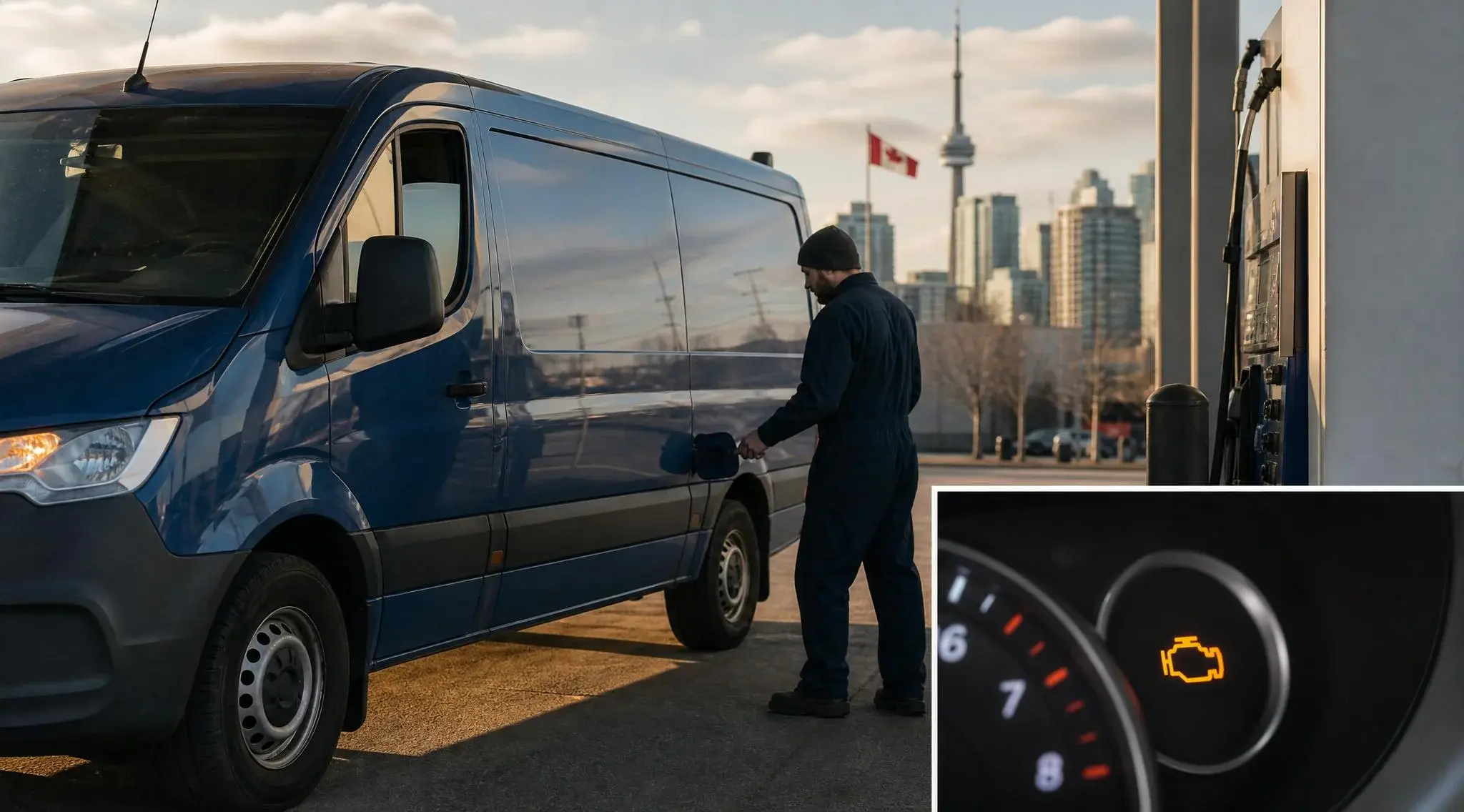
TL;DR 4 key takeaways Definition: The P0455 indicates a large leak in the EVAP system, detected by the onboard OBD2. Fleet impact: Moderate in the...
.jpg)
 Anthony Mainville: Apr 29, 2026, 1:08:24 PM
AI agent platforms, the co-pilot model, and why technology should serve your people GOOGLE CLOUD NEXT 2026 RECAP , FLEET INTELLIGENCE SERIES PART 3...